Keep your community registrations together.
Organise a gathering, recruit volunteers, or send a questionnaire to your group. Prepare your questions in Kiosform and share the form by link or QR code. Participants can respond without an account.
Start with Discovery at €0. No card required.
- Hosted in the EU
- Built-in GDPR tools
- Offline Android kiosk
- No advertising trackers
In the app
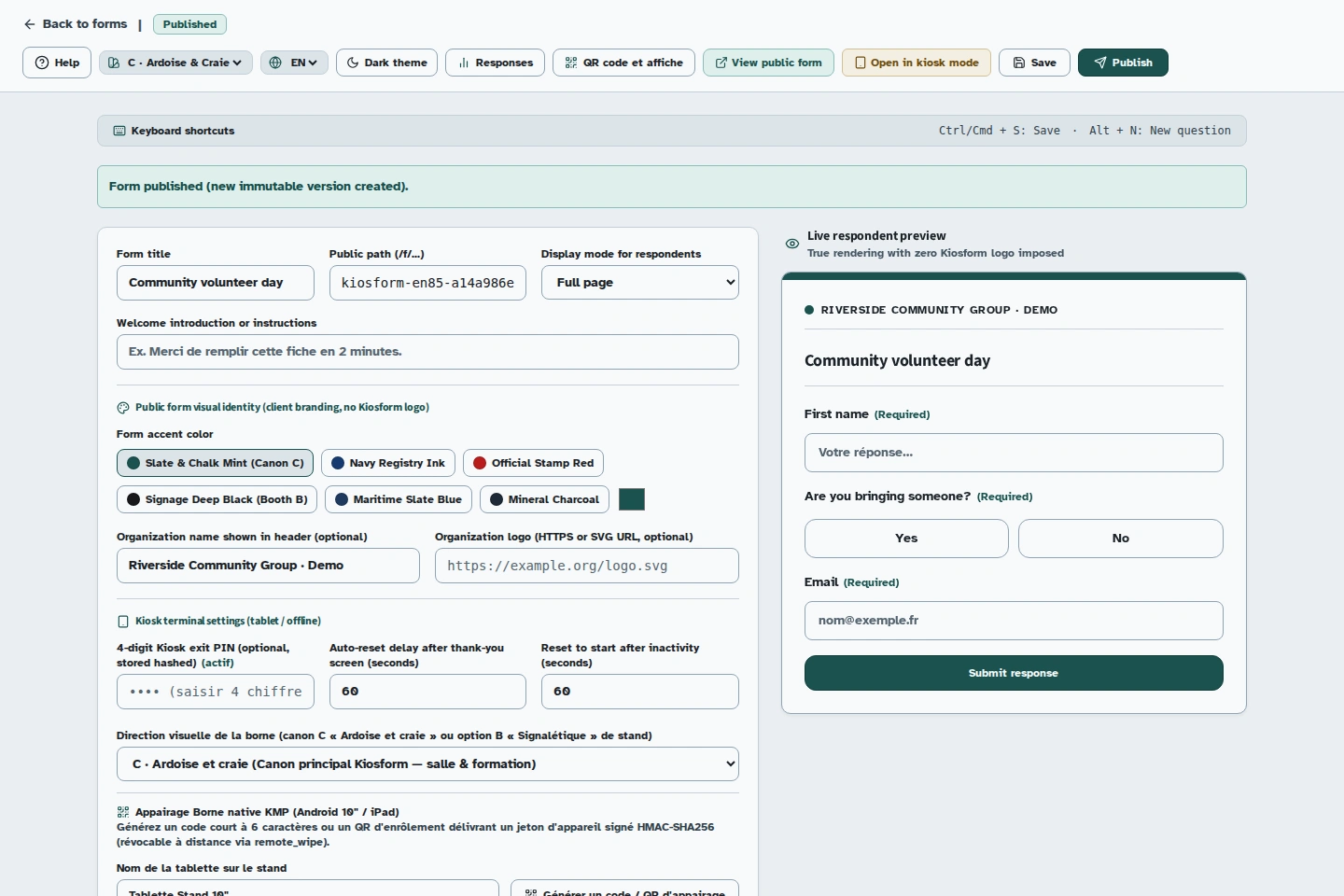
Show the right follow-up question.
Answering Yes reveals the question about accompanying guests. The organiser can review the response and export it as CSV to prepare reception.
A community gathering
Which information will you actually use?
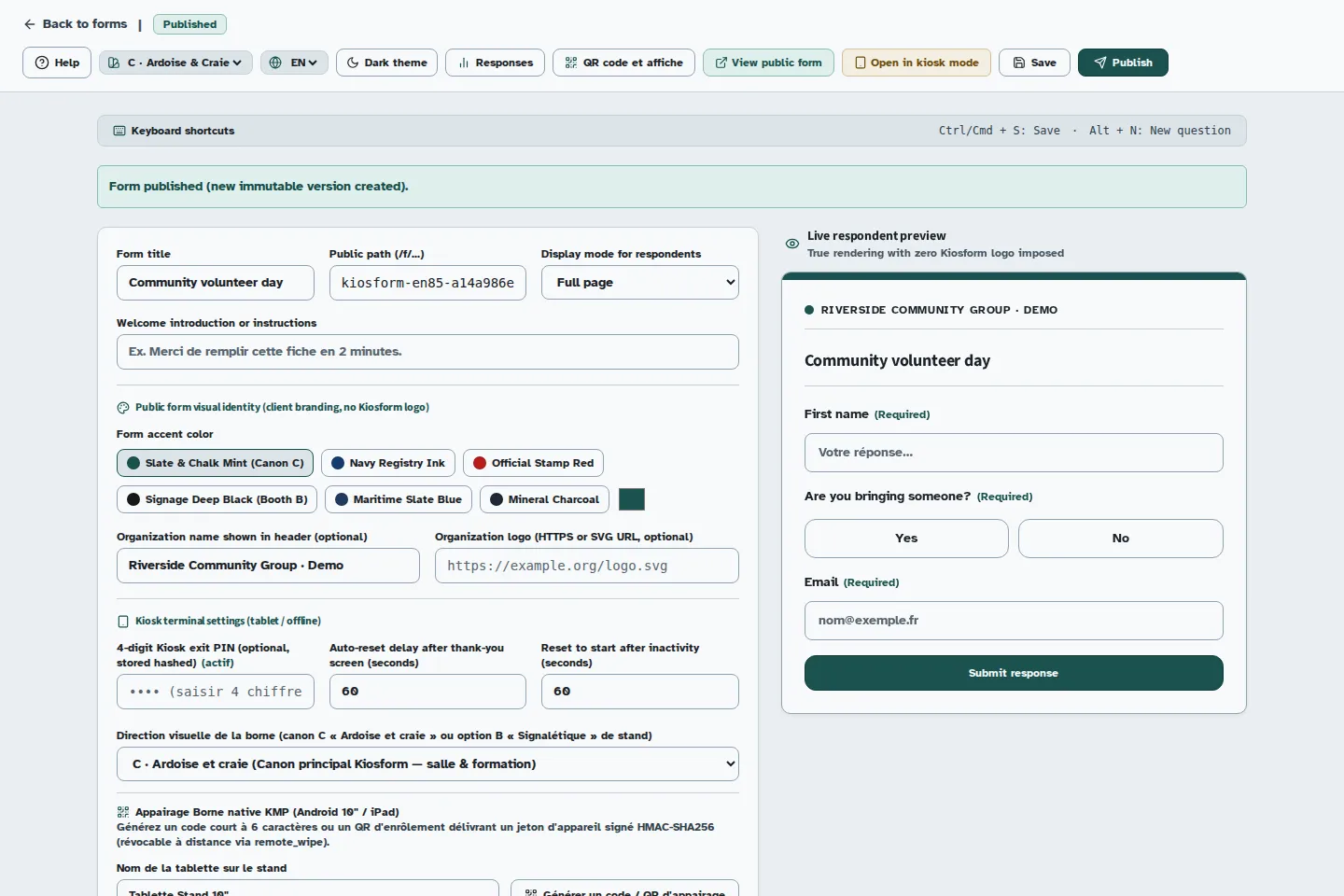
For a meal, meeting, or volunteer day, start with the decisions you need to make: how many people to welcome, how to contact them, and who would like to help.
The form can adapt to the answers. Someone coming alone does not need the same follow-up questions as a group.
Fictional example questions to adapt in your workspace. No form is created automatically.
- Your first name
- To greet each participant. Ask for a full name only if your organisation needs it.
- How can we keep you informed?
- An email address for practical information about the gathering, if that follow-up is necessary.
- Are you bringing someone?
- If Yes, show “How many people are joining you?”.
- Would you like to help at reception?
- An optional question that separates participation from volunteering.
Let the form follow the answer.
Conditions show a question or section when it applies to the person. Try this local example of the flow.
One gathering.
The right path for each person.
Interactive example · no response is saved
From the group link to your reception list.
Prepare the gathering
Choose the questions, required fields, and conditions. Go through the preview as a participant before publishing.
Share the form
Send the link to your group or put the QR code on a poster. Participants respond on their phones without creating a Kiosform account.
Prepare reception
Review the responses in your workspace, then export a CSV or .xlsx file to prepare your list and organise tasks.
For community groups and churches.
Use the same tools for a gathering, a group outing, or volunteer registration. You choose the questions; no religious flow is imposed.
Registering for a gathering does not, by itself, make someone a member or give permission to send a newsletter. Keep those requests separate and explain how the information will be used.
Welcoming new members? Prepare a membership application separately from your gathering registration.
Ask only for what you need. Have your form and collection arrangements reviewed before sharing if they concern children or other sensitive information.
Questions about organising registrations.
Do participants need to create an account?
No. The link and QR code open the published form. The organiser needs an account to create the form and manage responses.
Can a group register together?
You can ask how many people are coming and adapt the rest of the form. That declared number does not automatically reserve multiple places. If you use a capacity limit, check how places are counted before publishing.
How can I limit places for an outing?
Kiosform provides capacity limits, time slots, and a waiting list. Set up the flow and test confirmation, waiting-list entry, and cancellation. The event page explains what to check.
Can we collect registrations at reception?
Yes, with a tablet prepared for collection. Offline kiosk use requires online pairing and a form download before the gathering. A visitor opening the QR code for the first time needs a connection.
Set up your form in Kiosform.
Choose your questions, check the preview and publish when your form is ready.
Create my formView plansOn the ground
Get ready for your next gathering.
Offline tablet forms
Set up your kiosk, collect responses, and check that they arrive when the connection returns.
Event registrations
Organise time slots, track available places, and manage cancellations.
Attendance and signatures
Prepare a session's participant list, collect signatures, and review attendance.
Membership applications
Collect requests to join your community group and follow up with your team.
Tablet feedback surveys
Collect visitor feedback while the experience is still fresh.