A membership application form, ready to share.
Prospective members tell you how to contact them and which activity interests them. Your team can review the applications in Kiosform and prepare to welcome each person.
Start with Discovery at €0. No card required.
- Hosted in the EU
- Built-in GDPR tools
- Offline Android kiosk
- No advertising trackers
In the app
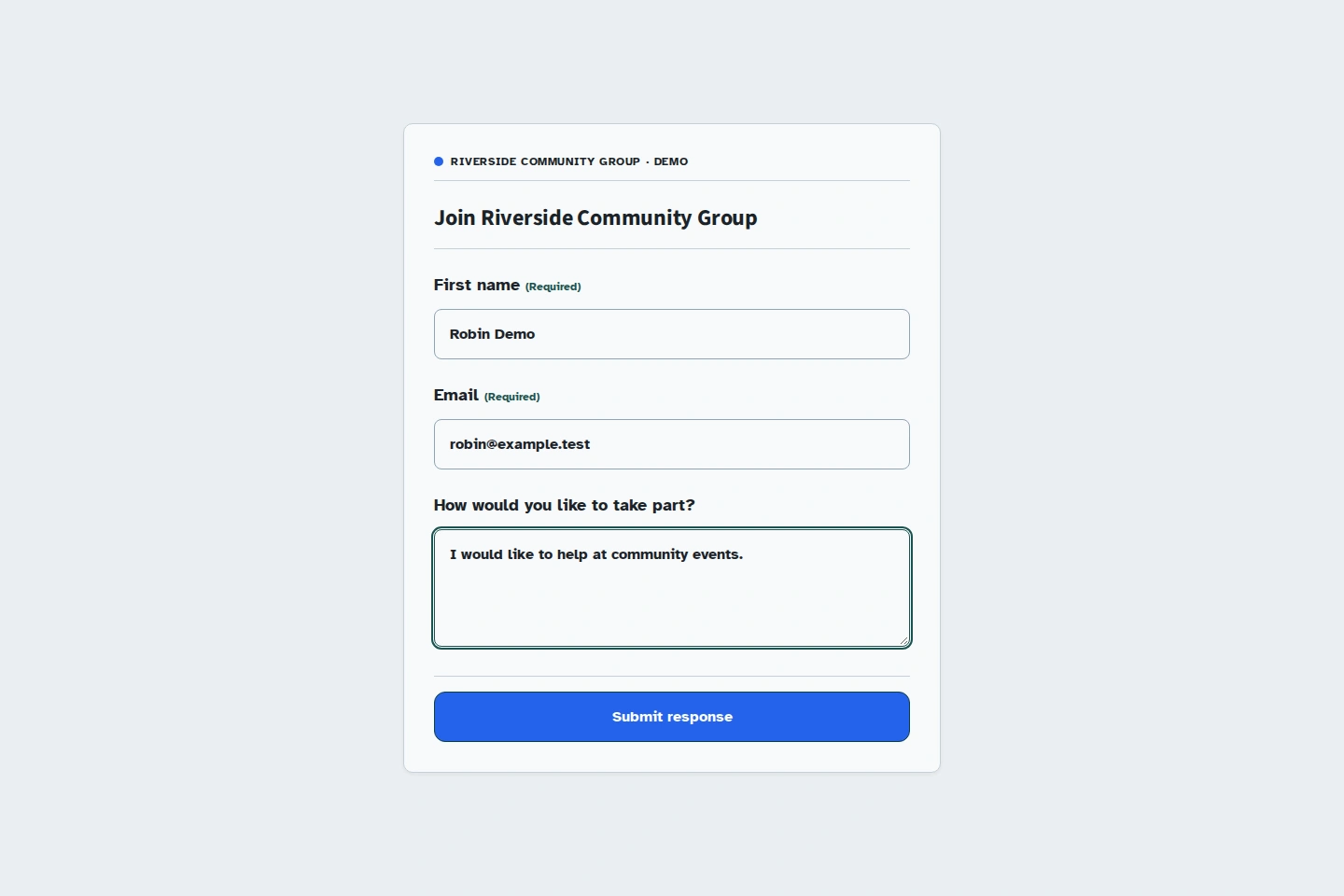
A membership application ready to share.
A prospective member can provide their contact details and say how they would like to get involved. The example uses demonstration data.
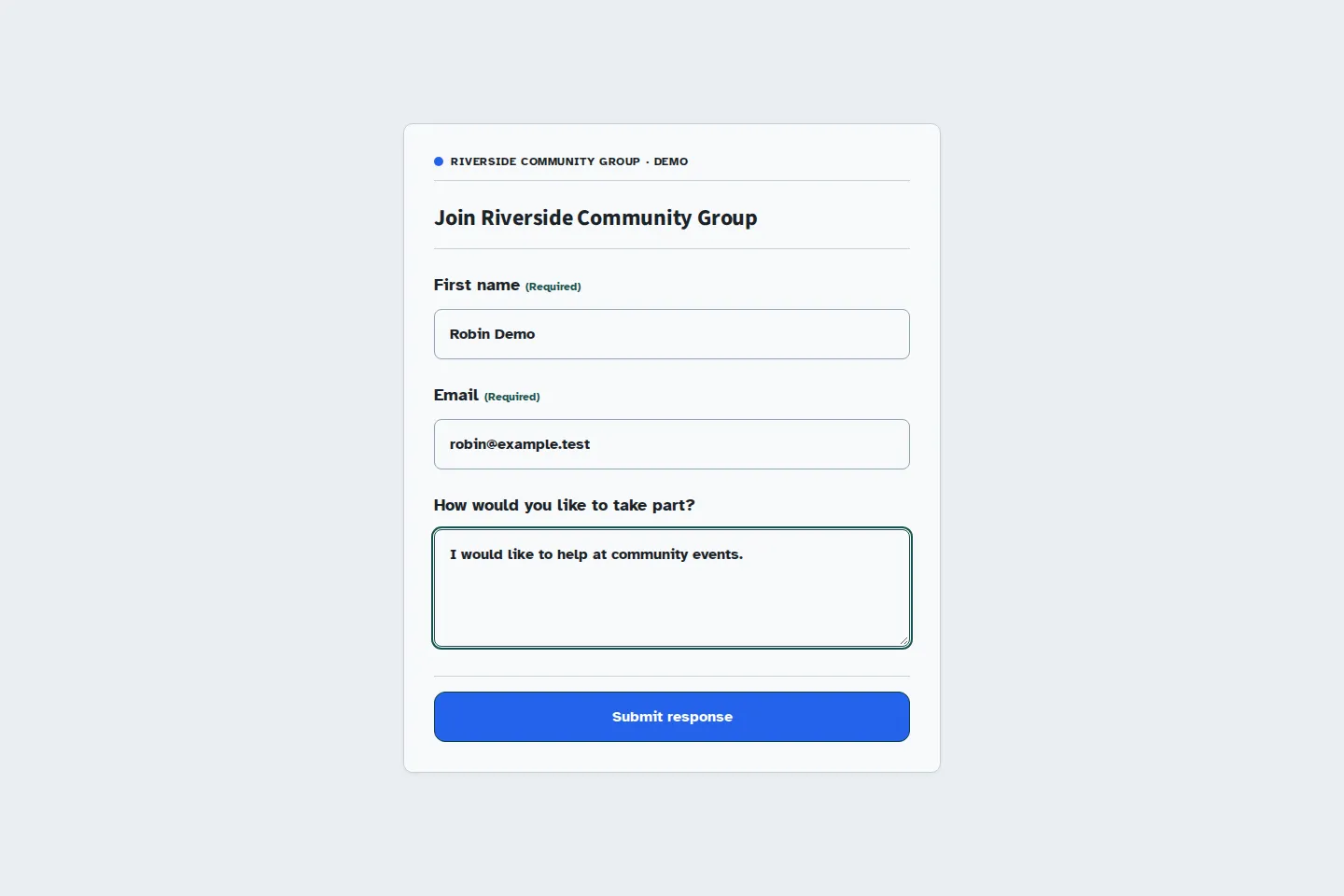
Joining a community group
What do you need to welcome a new member?
A first name, a way to get in touch, and an activity of interest give you a starting point for a conversation. A short form helps interested people make that first approach.
Some questions only apply to one activity. Use conditions to show them when relevant, then test every flow in the preview before sharing.
Organising a gathering? Use a separate community registration form for reception and volunteers.
- First name
- Use a first name to greet the applicant when you follow up.
- A useful contact method to explain the next steps.
- How would you like to take part?
- For example, helping at community events.
- Anything you would like the team to know?
- An optional comment to explain an expectation or ask a question before joining an activity.
From the shared link to the received application.
Choose the information you need
Ask for a contact method and the activities that interest the person. A few relevant questions give you what you need to prepare their welcome.
Review and share
Test the form, publish it, then share its link or QR code. Prospective members can respond on their phones without creating a Kiosform account.
Follow up on applications
Review applications in your workspace or export them as CSV or XLSX. Your team can then contact each person and explain how to join the group.
Prepare the first conversation with each applicant.
Your team can find contact details and interests in the same list. Use them to prepare a relevant reply and direct each person to the right activity.
Add practical next-step information to the form: who to contact, when to come, and what to expect when they arrive.
A list your team can work with.
Download applications as CSV or XLSX to prepare a meeting or plan how to welcome new members. Keep the collected information in a familiar format.
Before you invite membership applications.
How is membership confirmed after an application?
The form collects the application. Your team then confirms membership according to your organisation's rules.
Which questions should I ask prospective members?
Start with their name, a contact method, and the activity they want to join. Add an optional comment for useful details. Choose your questions in the form builder and use conditions to adapt the flow.
How can I share the applications with my team?
Responses are grouped in your organiser workspace. Review them there or download a CSV or XLSX file to work with your team.
Does someone need an account to apply?
They can open your link or scan your QR code and respond directly. Your team uses the Kiosform account to prepare the form and follow responses.
Set up your form in Kiosform.
Choose your questions, check the preview and publish when your form is ready.
Create my formView plansOn the ground
Get ready for your next gathering.
Offline tablet forms
Set up your kiosk, collect responses, and check that they arrive when the connection returns.
Community registrations
Plan a gathering, recruit volunteers, and ask for the information you need.
Event registrations
Organise time slots, track available places, and manage cancellations.
Attendance and signatures
Prepare a session's participant list, collect signatures, and review attendance.
Tablet feedback surveys
Collect visitor feedback while the experience is still fresh.