A tablet survey for feedback after your activity.
Ask visitors about their experience. A rating from 1 to 5 and a comment can help you understand what went well and what could improve. Find the responses in your Kiosform workspace.
Start with Discovery at €0. No card required.
- Hosted in the EU
- Built-in GDPR tools
- Offline Android kiosk
- No advertising trackers
In the app
Leave the tablet ready for the next person.
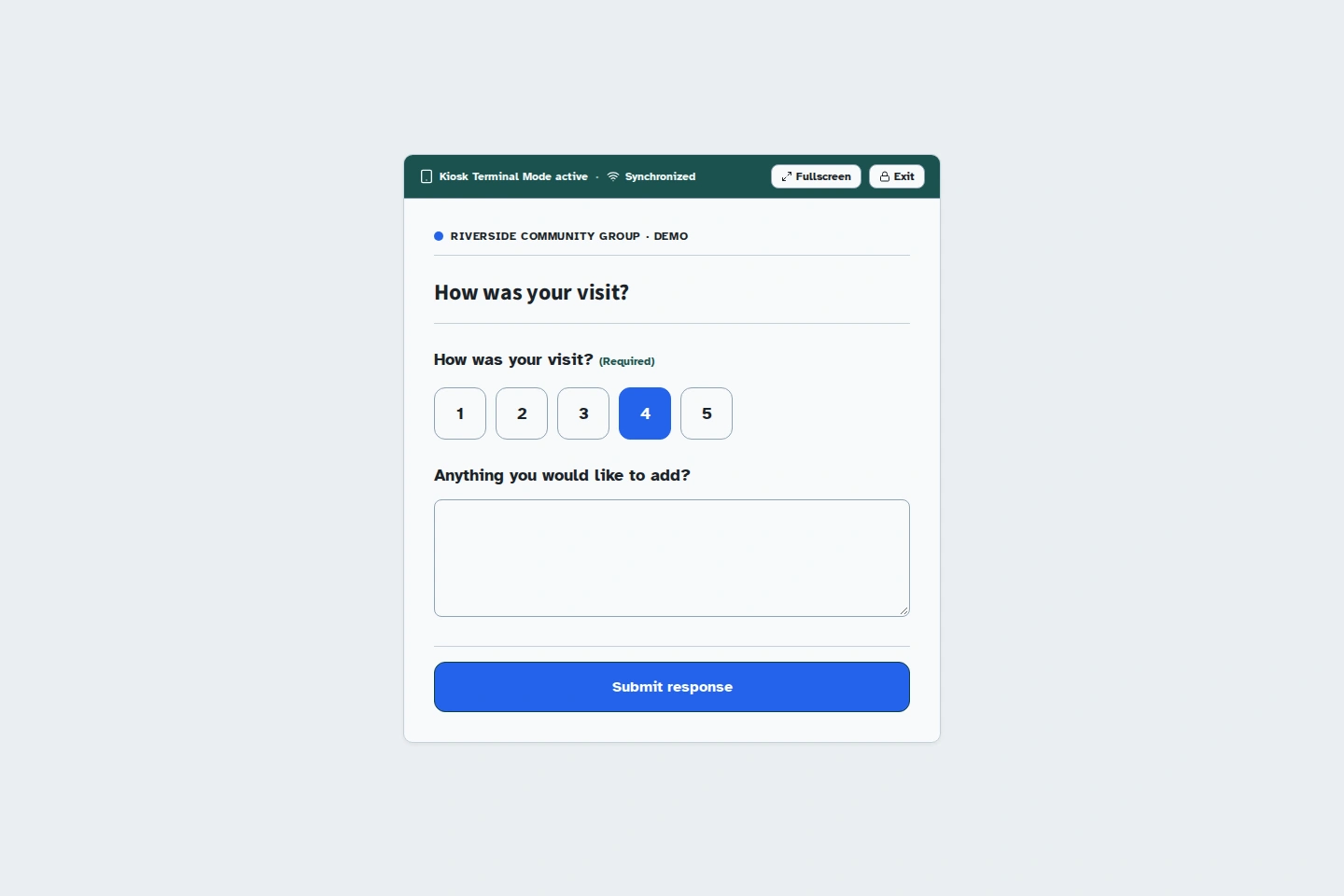
After a visitor submits a rating, they can select Start a new entry to open a blank survey for the next person.
Feedback while it is fresh
Ask while the experience is still recent.
At the end of an activity, a tablet near the exit offers a short way to respond. Participants can tell you what stood out while it is still fresh in their minds.
Add an optional comment to understand the ratings. A suggestion about signs or a comment on reception gives your team something specific to examine.
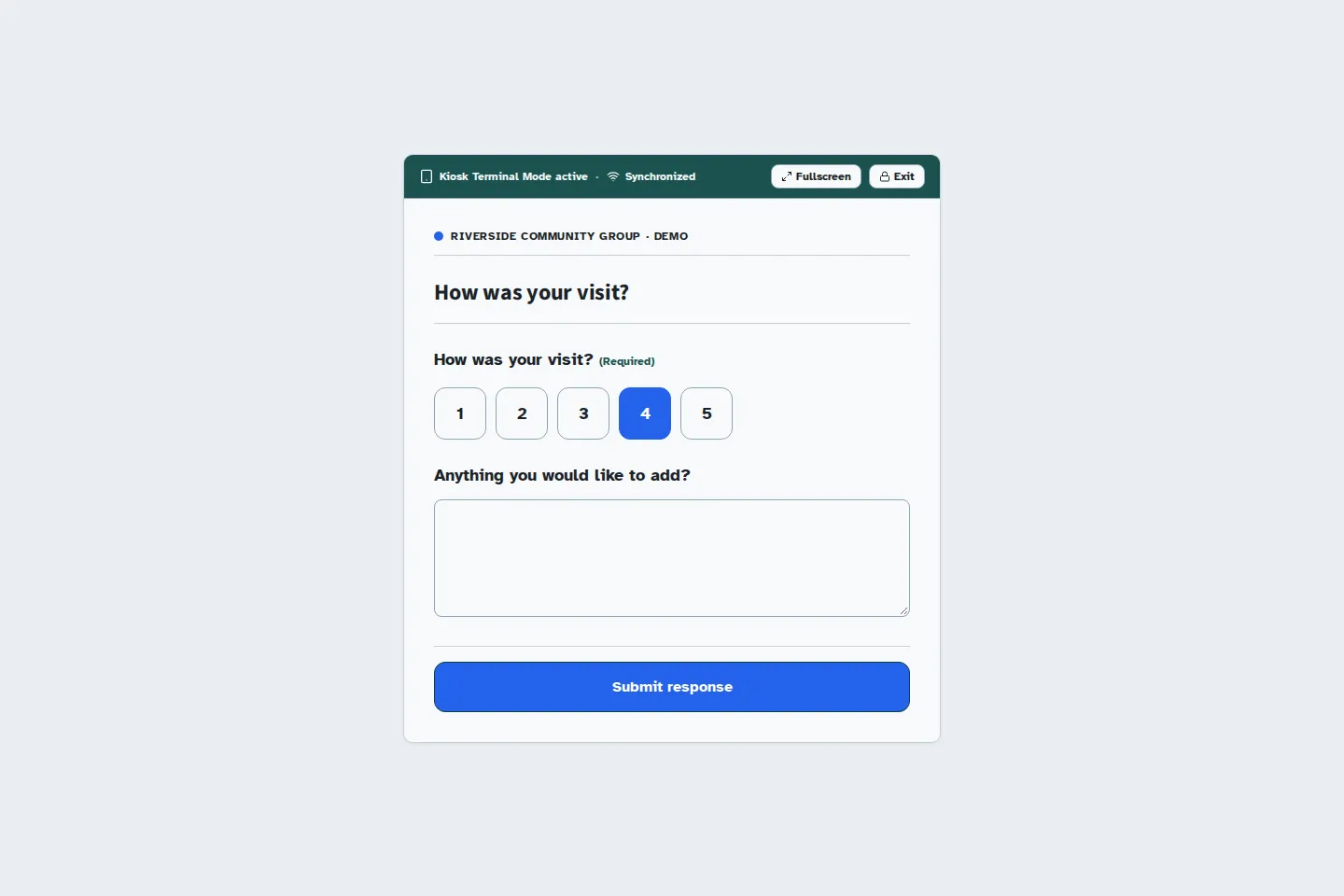
- How was your visit?
- A numeric rating from 1 to 5. Explain the scale in your questionnaire.
- Anything you would like to add?
- An optional comment to explain the rating or suggest an improvement.
- After submission
- The person reads the thank-you message, then selects Start a new entry to leave the tablet ready.
Turn the feedback into your next improvement.
Ask a specific question
Choose what your team wants to improve: reception, an activity, or the information people received. A specific question makes the answers more useful.
Prepare the tablet
Test the survey on your device and place it near the exit. For offline collection, prepare and pair the tablet online before opening.
Read the responses together
Find ratings and comments in your workspace. Look for recurring points, then choose an improvement to try at your next activity.
Give the team a starting point for discussion.
Read the comments with the people who organised the activity. Repeated remarks can help you decide where to act first.
The Kiosform summary brings the responses together. You can also export CSV or XLSX files to prepare a review or compare feedback between gatherings.
Put the tablet where people can use it.
Set it at an accessible height and leave enough room for someone to respond comfortably. Test the flow both standing and seated before collection begins.
Before you ask for feedback.
Can I ask for a rating from 1 to 5?
Yes. The rating field displays numeric buttons. After each submission, Start a new entry returns to the survey.
Can the survey work without a connection?
Yes, on a tablet prepared online and paired for collection. Responses stay on the device while it is offline and are sent when the connection returns. Check synchronisation in your workspace.
Are responses anonymous?
You can collect feedback without asking for a name or email address. Anonymity also depends on the settings and the collection context.
How can I compare results?
Keep the same question and scale across activities. Record the period and number of responses, then export CSV or XLSX data to compare feedback in your usual tools.
Set up your form in Kiosform.
Choose your questions, check the preview and publish when your form is ready.
Create my formView plansOn the ground
Get ready for your next gathering.
Offline tablet forms
Set up your kiosk, collect responses, and check that they arrive when the connection returns.
Community registrations
Plan a gathering, recruit volunteers, and ask for the information you need.
Event registrations
Organise time slots, track available places, and manage cancellations.
Attendance and signatures
Prepare a session's participant list, collect signatures, and review attendance.
Membership applications
Collect requests to join your community group and follow up with your team.